
Text to video
Describe the subject, setting, action and lighting. Start here when you have an idea but no source image or recorded footage.
A single frame becomes a scene, and a short description becomes a visual story. Seedance creates videos from text and images with motion and atmosphere. AITale offers Seedance 2 Mini, Seedance 2 and Seedance 2.5, so you can choose a version for your idea and budget.
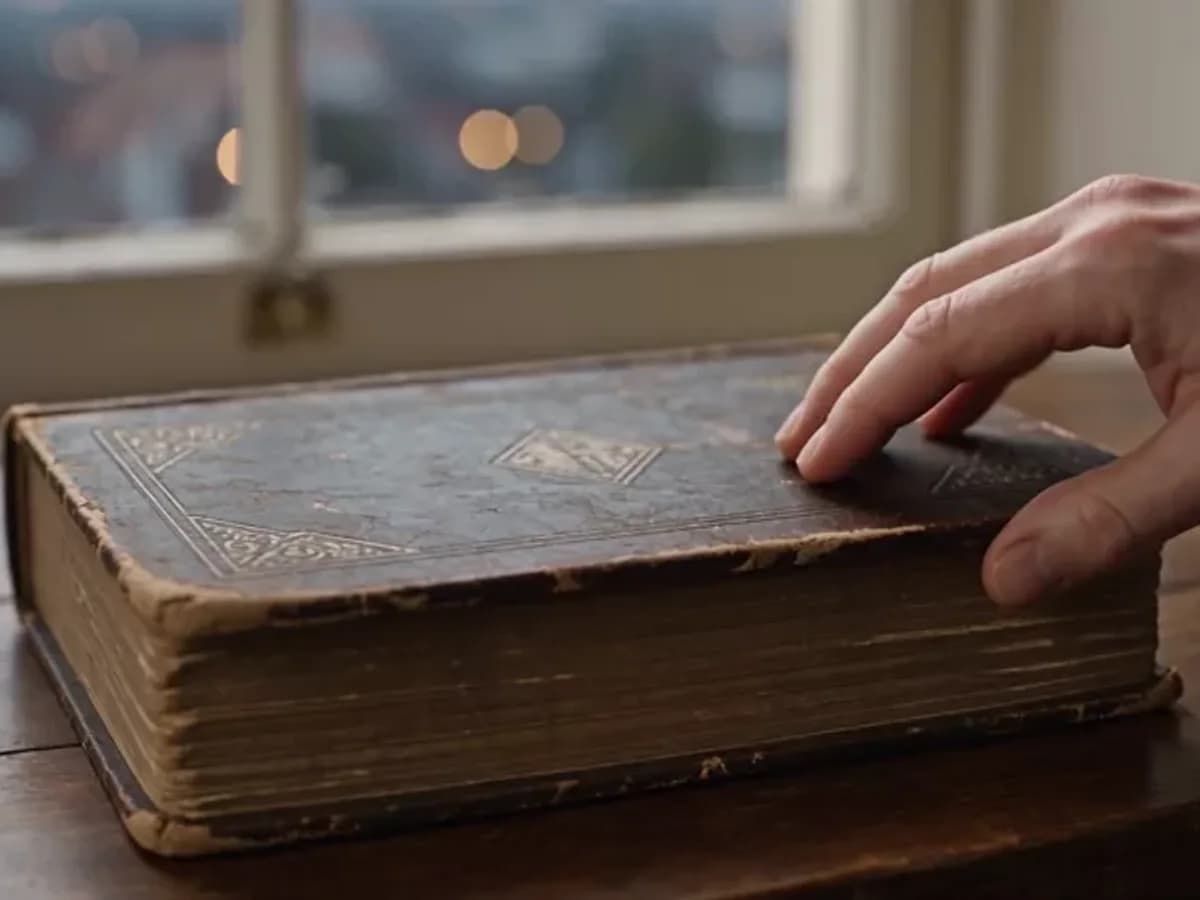
This is a homepage sample. Its exact version is undocumented, so it is not a comparative test of Seedance 2.5.
Seedance is ByteDance Seed’s video model family. The 2 series accepts different source materials; Seedance 2.5 develops reference control and longer scenes with sound.
Describe the subject, setting, action and lighting. Start here when you have an idea but no source image or recorded footage.
Upload an image and describe a head turn, breeze, step or gentle camera move. The form includes a first-and-last-frame mode.
The dedicated Seedance form accepts images, video and audio references. Explain which source supplies a character, movement or atmosphere.
The Seedance 2 family generates audio and video together. Describe ambient sound or a short line of dialogue; speech and synchronization still need checking in the result.
All three options are in the AITale editor. Choose your duration and resolution, then compare the displayed cost.
| Version / mode | What it is for | On AITale |
|---|---|---|
| Seedance 2 Mini | An option for sketches and short ideas: 480p or 720p, from 4 to 15 seconds. | Available |
| Seedance 2 | 480p, 720p, 1080p and a 4K option in the editor, from 4 to 15 seconds. Useful when resolution choice matters. | Available |
| Seedance 2.5 | From 4 to 30 seconds at 480p, 720p or 1080p. Gives a scene more time to develop. | Available |
These are AITale form settings. The 4K option for Seedance 2 does not imply 4K for Mini or 2.5. Additional developer-app tools are not advertised here.
Generate from descriptions, build on existing frames and explore a visual direction for your project.
Add blinking, a small turn and natural light to a portrait. Start with a quiet action and request that the face and clothing stay consistent.
Show a package turning, light reflecting on glass or droplets on a surface. Explain which product details should remain unchanged.
Give an idea a clear action, beginning and ending. Seedance 2.5 offers up to 30 seconds, but a focused scene is still easier to direct.
A sunrise sea, a night city or a forest road: choose one camera move and describe the sound for a coherent scene.
Choose Seedance in the AITale video editor to open its dedicated frame and reference form. Prepare any source materials before you start.
Open Video, choose Mini, 2 or 2.5 and set the duration, resolution and aspect ratio for your intended platform.
Write your prompt. Add a first and last frame, or use reference mode for images, video or audio and explain their roles.
Check the total cost and generate. Review motion, details and audio, then download the file or try a more precise description.
These are starting ideas, rather than the exact prompts used for the featured sample. Add your own image when the scene should build on a photograph.
Use the uploaded photograph as the starting point. The person slowly turns toward the window and smiles slightly. Soft daylight, natural blinking and subtle hair movement. The camera is still. Preserve the face, clothes and background. No scene changes or additional people.
A perfume bottle rests on a wet dark stone. The camera slowly pushes in as a narrow warm highlight moves across the glass, with soft mist in the background. Preserve the bottle shape and label details from the reference. One continuous shot, no text overlays.
A traveller walks from the shade of a pine forest onto a beach at sunrise. The camera slowly follows from behind and reveals the horizon. A breeze moves her jacket. Footsteps on sand, waves and distant seabirds. No dialogue or music.
The first frame shows a closed gift box on a table. The last frame shows the open box holding flowers. Between them, the lid slowly rises and a ribbon settles onto the table. The camera stays still; lighting and nearby objects remain unchanged.
Try: subject and setting → one action → camera move → light → sound. References define the look; the prompt describes what happens.
A photo can define a character, a short video can set movement and audio can suggest atmosphere. Connect each source to a clear purpose rather than providing conflicting examples.
Five seconds is enough for a gesture or a brief camera move. For 30 seconds, plan a beginning, development and ending rather than many unrelated events.
Say whether you want dialogue, ambient sound or silence. A short line is a clearer starting point than a long speech. Listen carefully if you intend to use the generated audio.
Try a short scene at a suitable lower resolution to check composition. Once the direction works, refine movement and settings for the final version.
The cost depends on version, duration, resolution and source materials. The form shows the total after you choose your settings.
Mini, 2 and 2.5 use different rates. A longer clip or higher resolution can change the cost substantially; compare settings before generating.
With a video reference, billing includes its duration as well as the output duration. Use the form’s total rather than estimating from output seconds alone.
Payment uses your shared balance. A separate ByteDance subscription is not required; permanent free Seedance generation is not advertised.
AITale pricing is separate from developer-app plans. Check the editor for current rates and available settings.
Pricing and termsExplore a different approach to camera movement and the separate Motion Control mode.
Explore KlingCreate short clips from descriptions and images with the same AITale account.
Explore Grok VideoIt is ByteDance Seed’s video model family. AITale offers Seedance 2 Mini, Seedance 2 and Seedance 2.5 through a dedicated video editor form.
Yes. Upload an image and describe the action. Choose first-and-last-frame mode or reference mode for your task.
Yes. The form offers Seedance 2.5, from 4 to 30 seconds, at 480p, 720p or 1080p.
The current AITale form offers 4K for Seedance 2. Mini and Seedance 2.5 have different resolution options.
Yes. Seedance reference mode accepts these materials. The form shows applicable limits and pricing while you configure the request.
The Seedance 2 family generates audio and video jointly. Describe the sound or a short line of dialogue, then check the finished result.
Describe the scene in your preferred language. Specify action, camera movement and which details from the source should stay consistent.
You need an account and sufficient balance. Pricing depends on your settings; permanent unlimited free Seedance generation is not offered.
Use the AITale website or app for Seedance. A video bot does not imply that every model and reference feature is available through native bot commands.
Choose Seedance, add an idea and turn it into a scene with motion and atmosphere.
